

PixelClipper-Image editing & Clipping Website UIUX

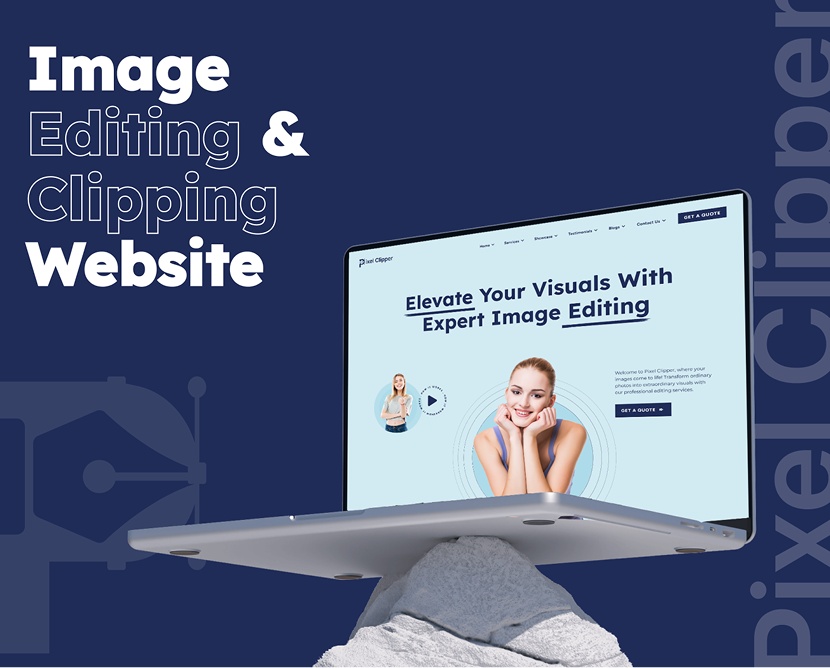
A modern, conversion-focused website redesign for an image editing and clipping service platform, built to communicate quality, speed, and reliability while driving client inquiries.

Category

Technology

Timeline

4 weeks

Live view

project intro

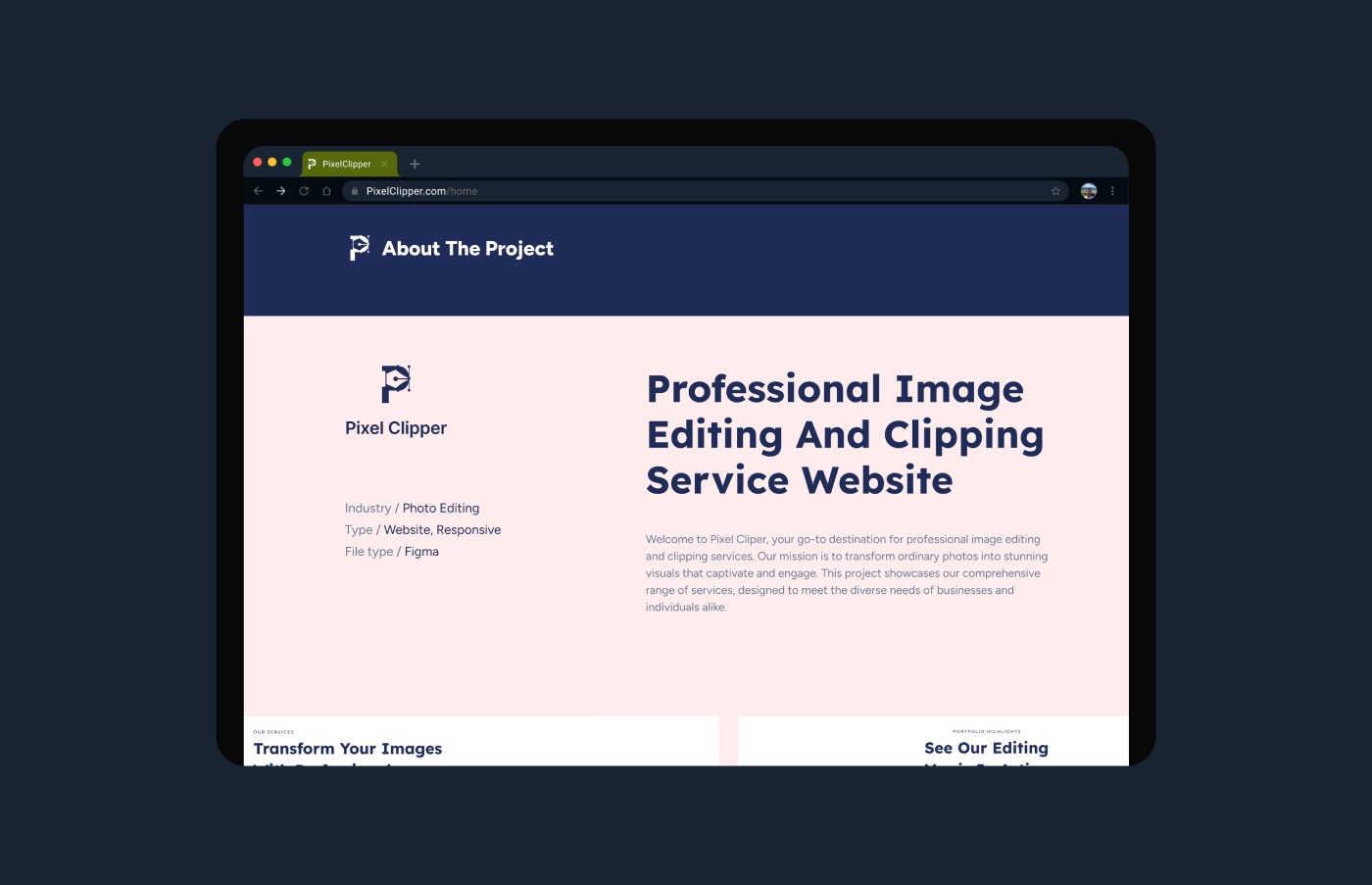
PixelClipper is a professional image editing and clipping path service provider catering to eCommerce brands, photographers, and creative agencies. The objective of this project was to redesign the website experience to clearly communicate service offerings, improve user trust, and increase quote requests. The redesign focused on clarity, credibility, and seamless navigation—helping users quickly understand services and submit projects with confidence.

PROBLEM

The previous website struggled with:

  • Overwhelming service descriptions without clear hierarchy
  • Limited visual proof of work quality
  • Weak call-to-action visibility
  • Confusing navigation structure
  • Lack of strong trust indicators

CHALLENGES

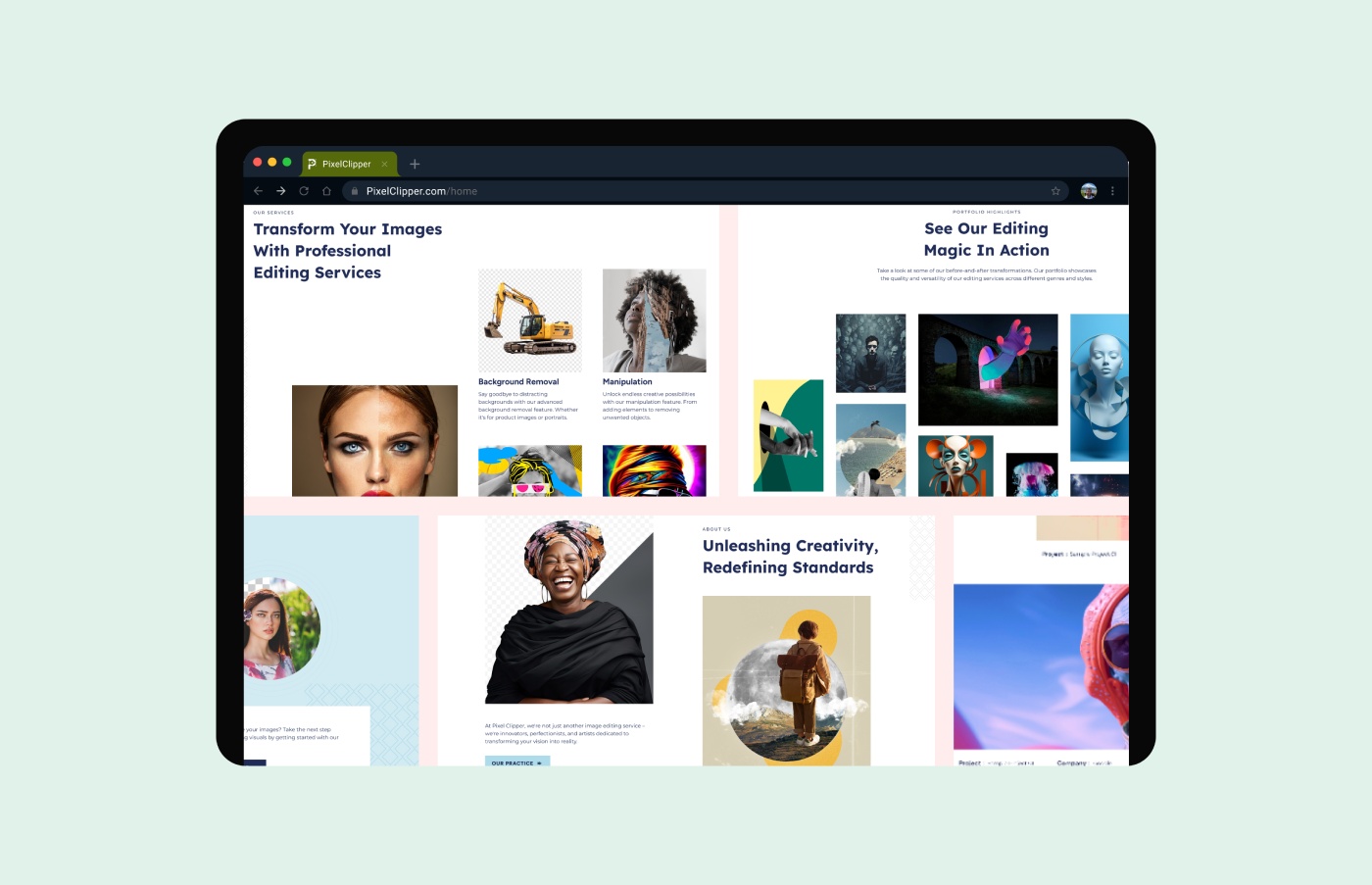
  • Clearly present all image editing services
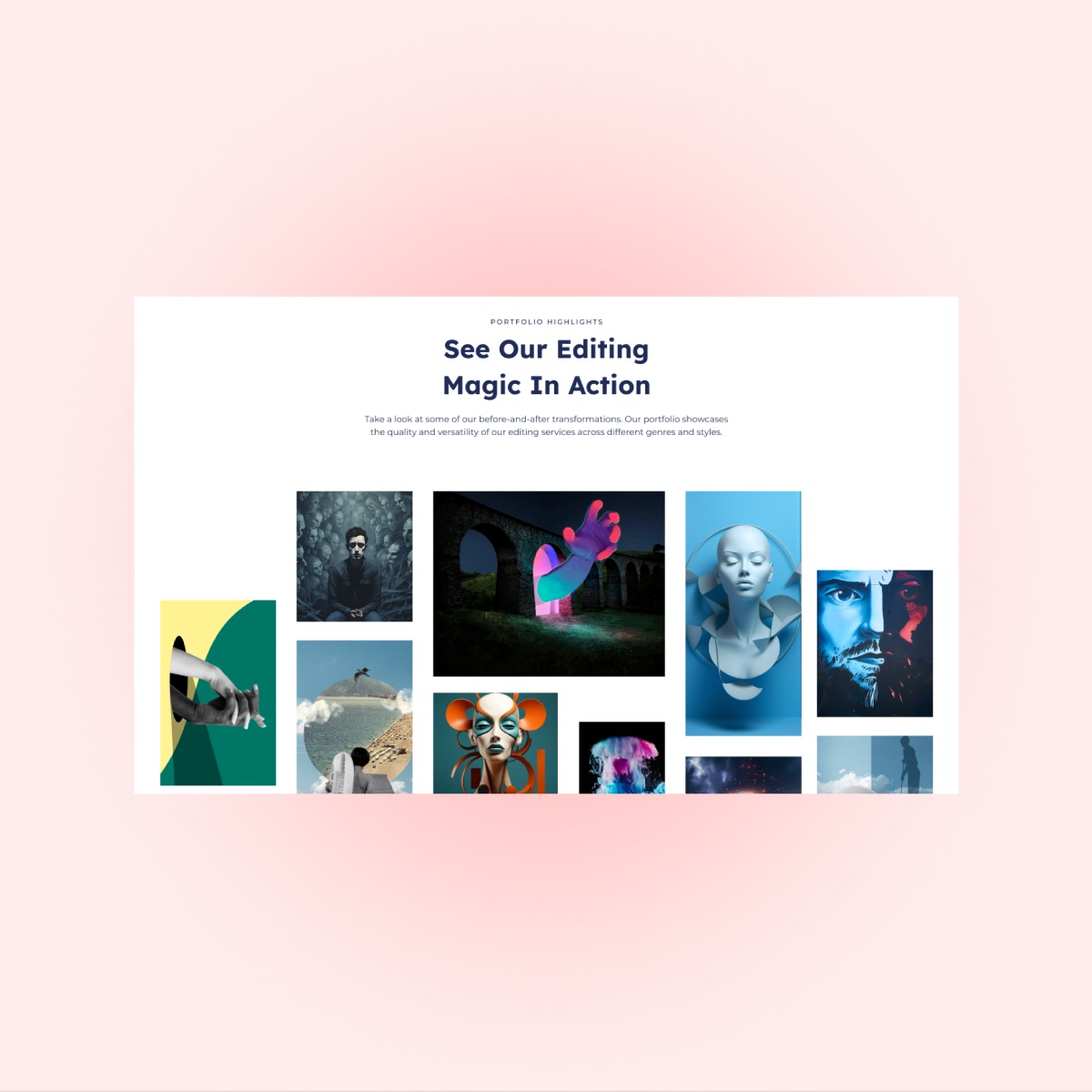
  • Highlight quality through strong visual examples
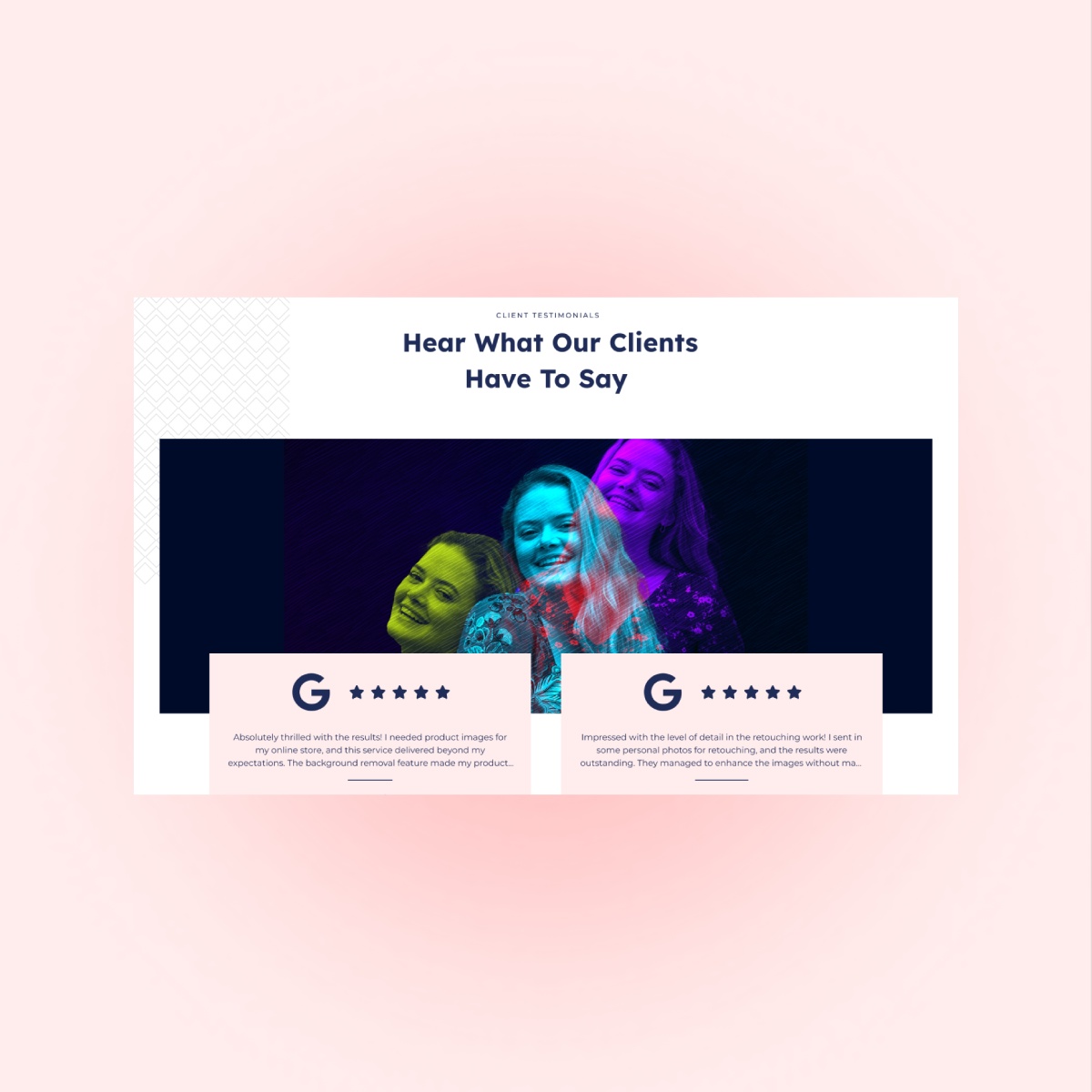
  • Improve trust with testimonials and proof elements
  • Simplify quote request and contact flow
  • Create a scalable and responsive design system

OUR SOLUTION

Organizing multiple technical services (clipping path, background removal, retouching, color correction, etc.) without overwhelming users
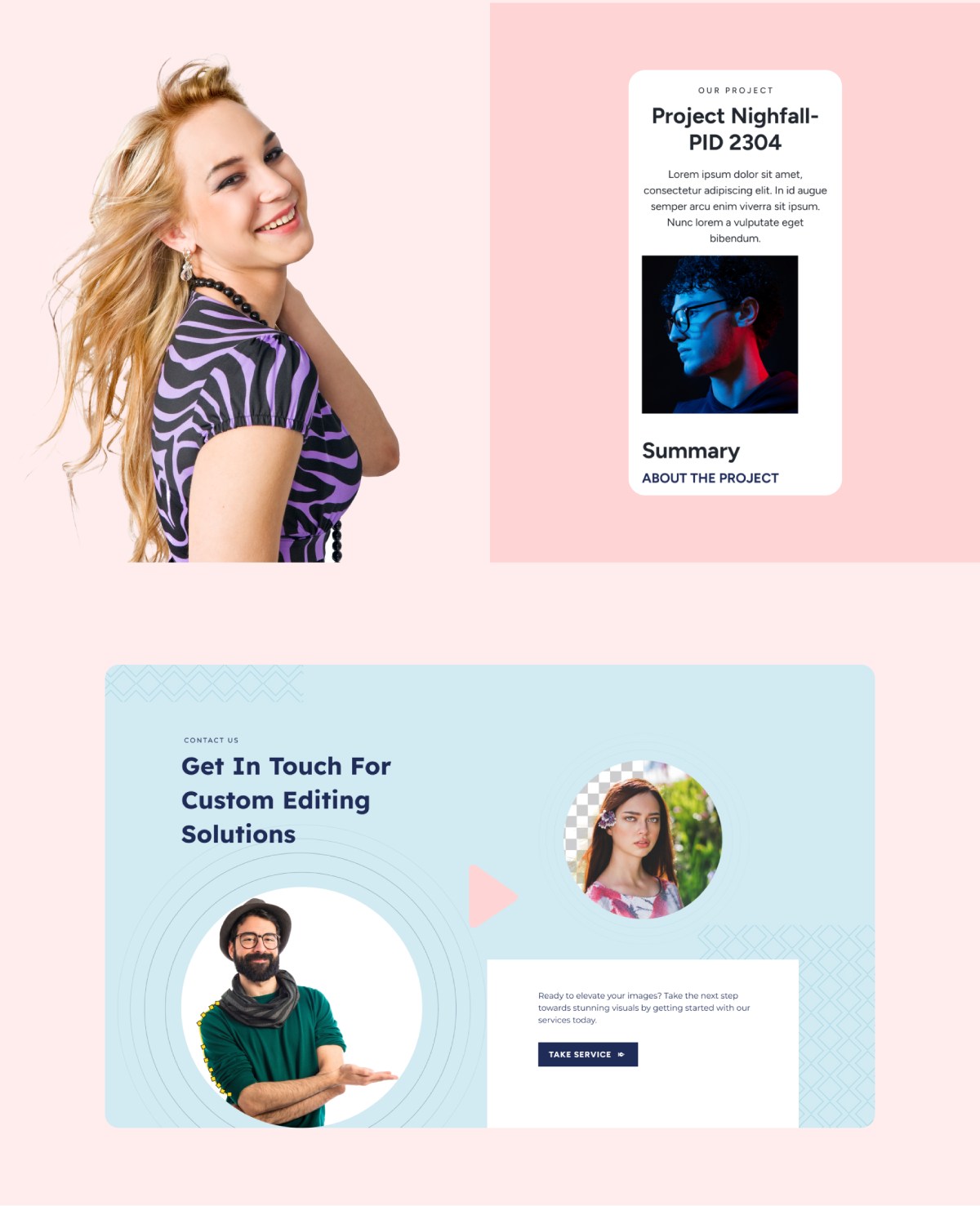
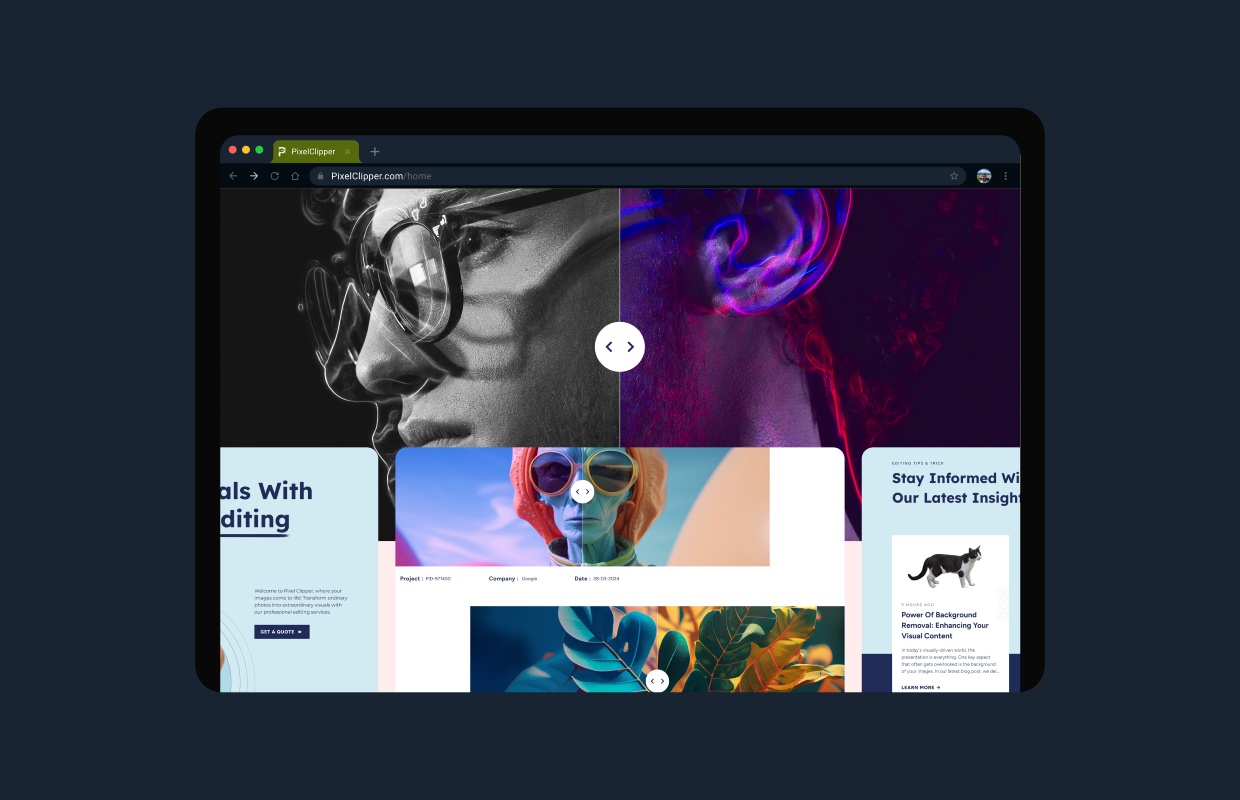
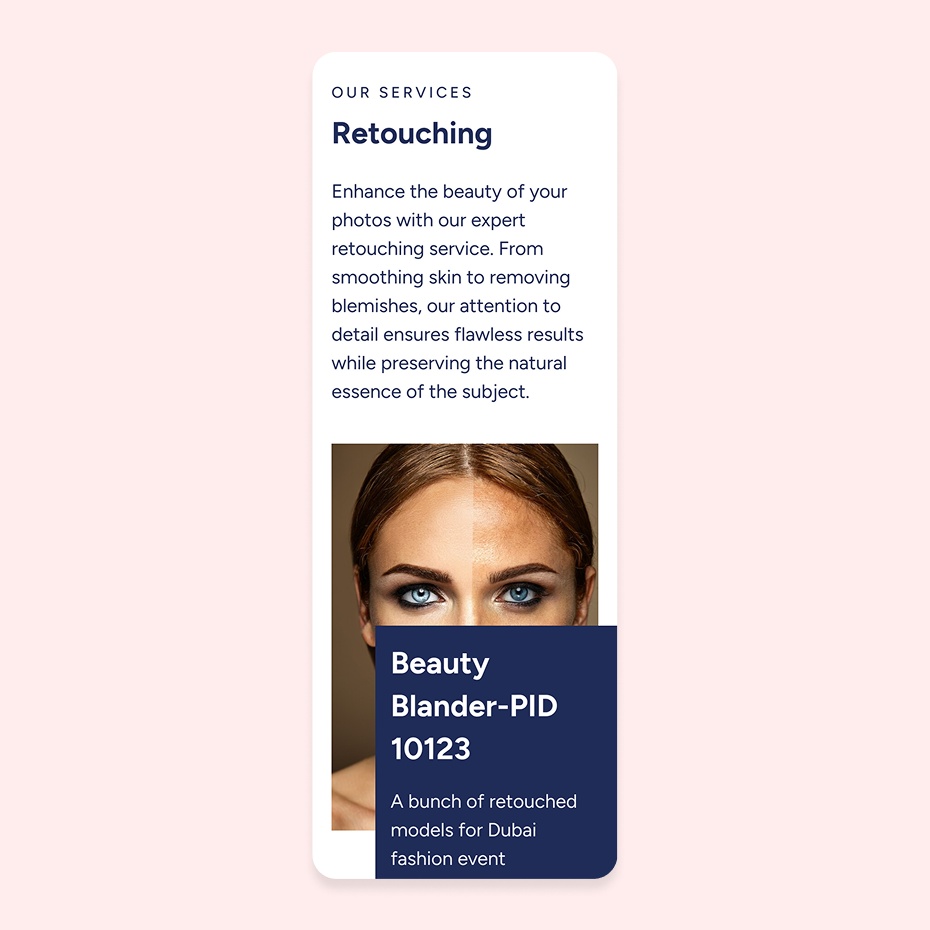
Creating strong visual comparisons (Before/After)
Designing for both individual freelancers and large eCommerce clients
Ensuring fast-loading, clean layouts for a media-heavy website
Building a structure that supports SEO growth

Design Process

Research

We analyzed competitor image editing platforms and identified common usability gaps. Special focus was placed on how agencies present pricing transparency and trust signals.

Design

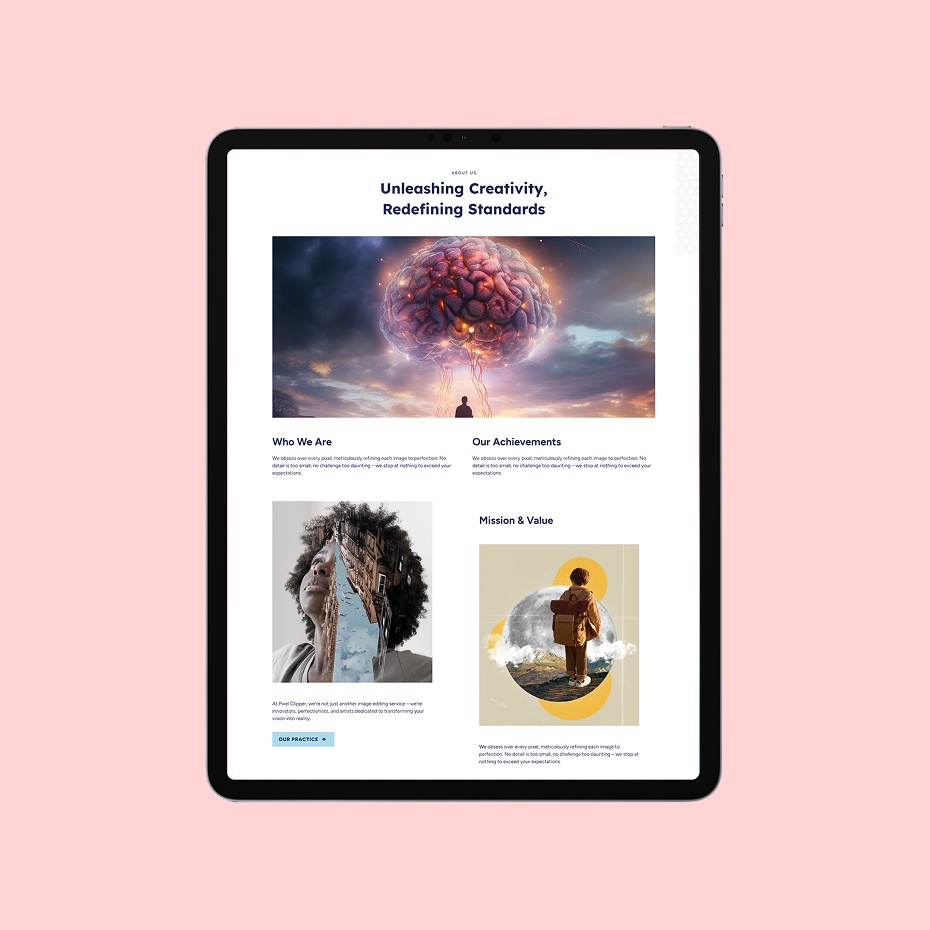
High-fidelity mockups were created with a minimal grid, balanced white space, and strong visual hierarchy. Key sections — such as services, comparisons, testimonials, and pricing — were emphasized to guide users naturally.

Testing

Navigation paths and interaction flows were reviewed to ensure clarity and ease of use. Testing focused on quote form visibility, service comparison clarity, and mobile responsiveness.

Feedback

Iterative feedback helped refine spacing, label clarity, and CTA placement to improve overall usability and visual balance.

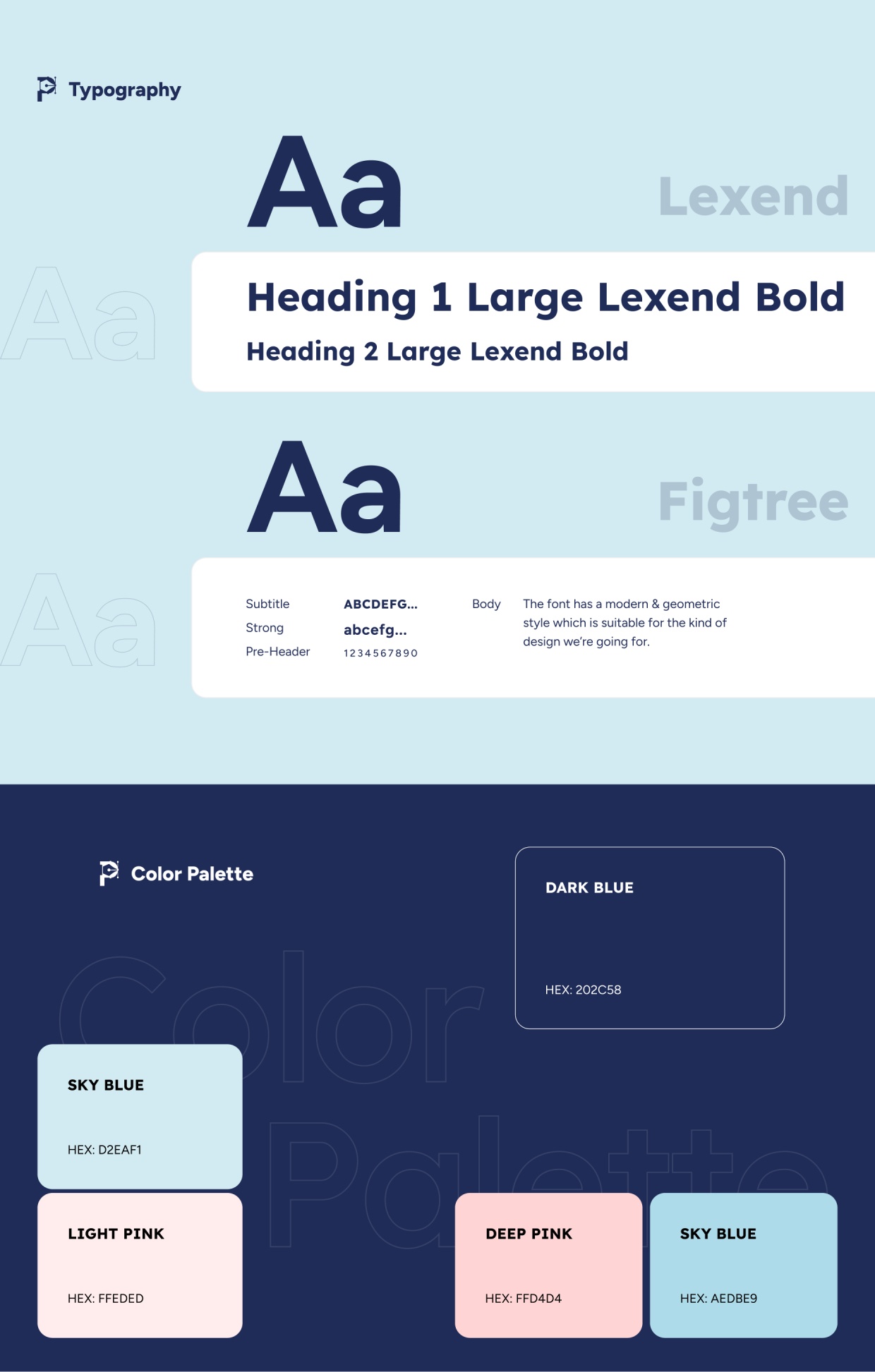
Style guide & components

Consistency: Standardized typography, spacing, colors, and UI behaviors across all screens

Design System: Figma components and shared libraries for service cards, CTA blocks, forms, and visual preview modules

Updates: Centralized components allowed quick revisions without breaking layout patterns

Collaboration: Prepared developer-ready files with clear spacing, grid definitions, and component states This system ensures future growth and consistent visual language across the site.

Visual presentation

Consistency: Standardized typography, spacing, colors, and UI behaviors across all screens

Design System: Figma components and shared libraries for service cards, CTA blocks, forms, and visual preview modules

Updates: Centralized components allowed quick revisions without breaking layout patterns

Collaboration: Prepared developer-ready files with clear spacing, grid definitions, and component states This system ensures future growth and consistent visual language across the site.

user experience

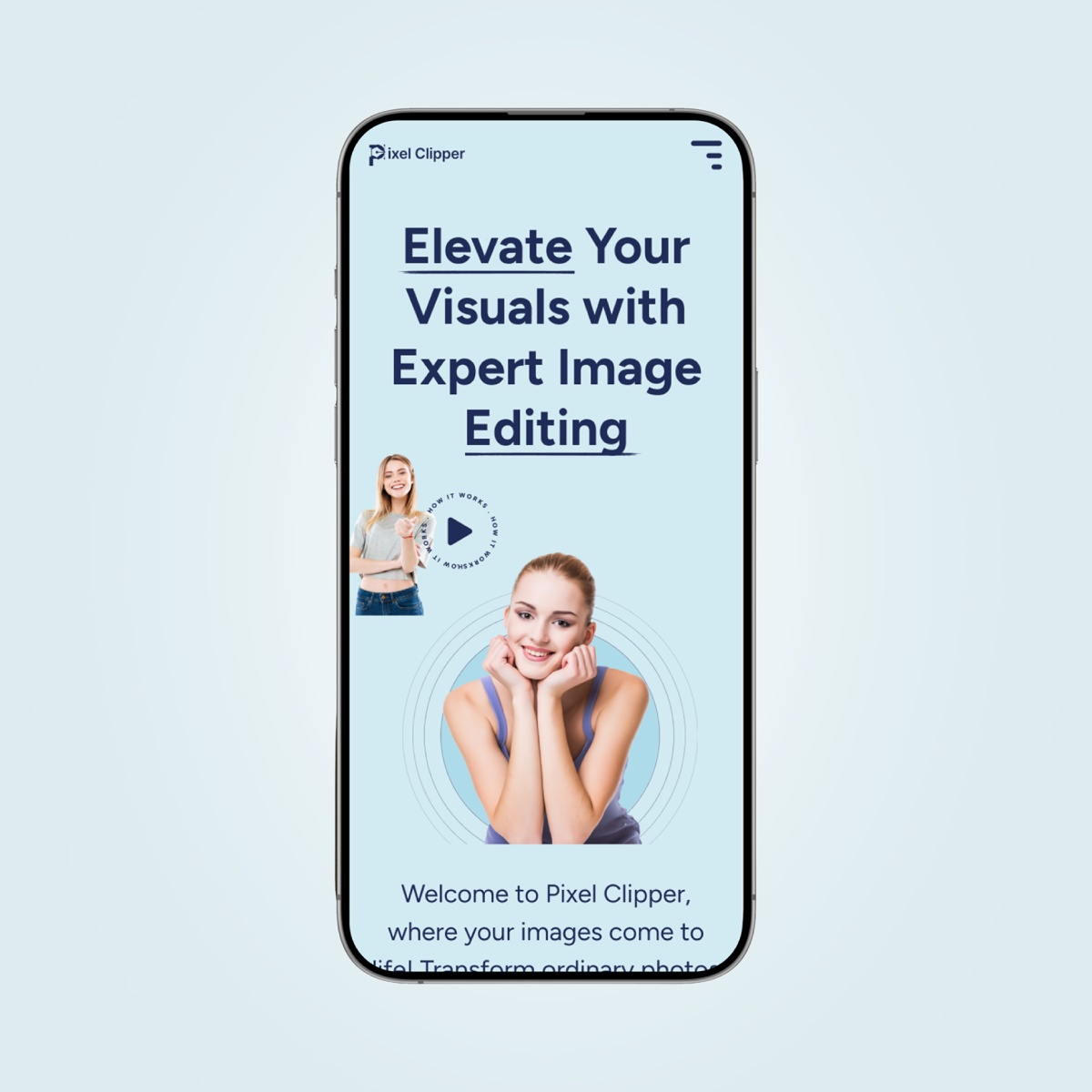
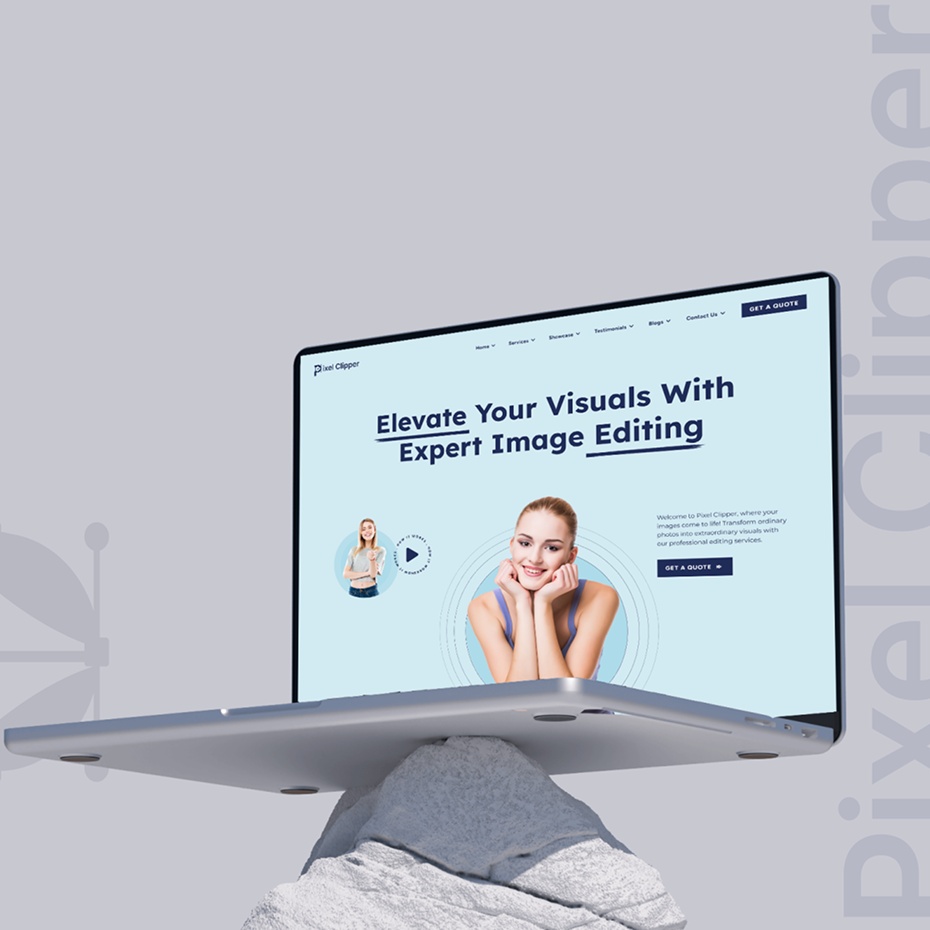
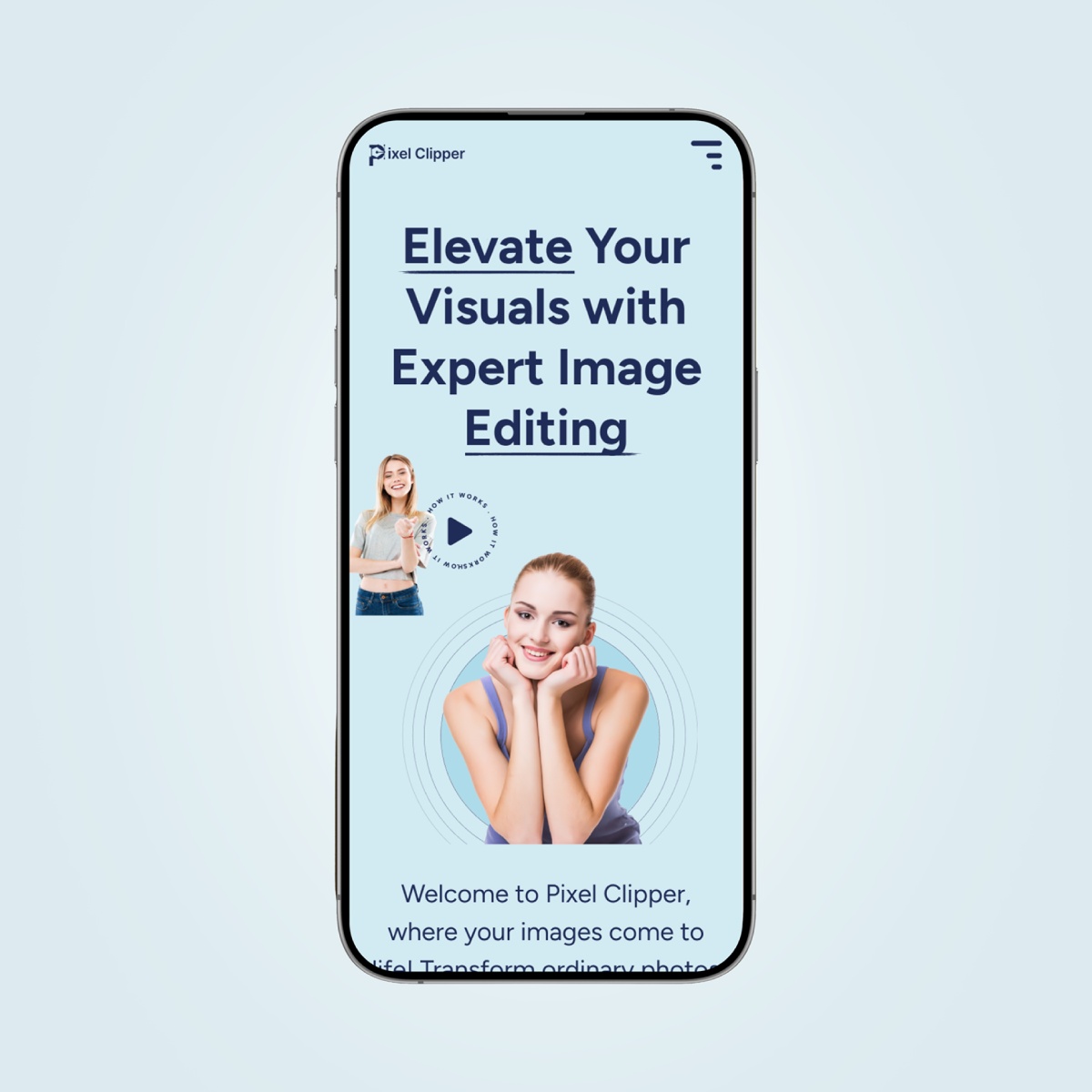
  • A clean, bold homepage with clear service paths
  • Service previews with before/after galleries
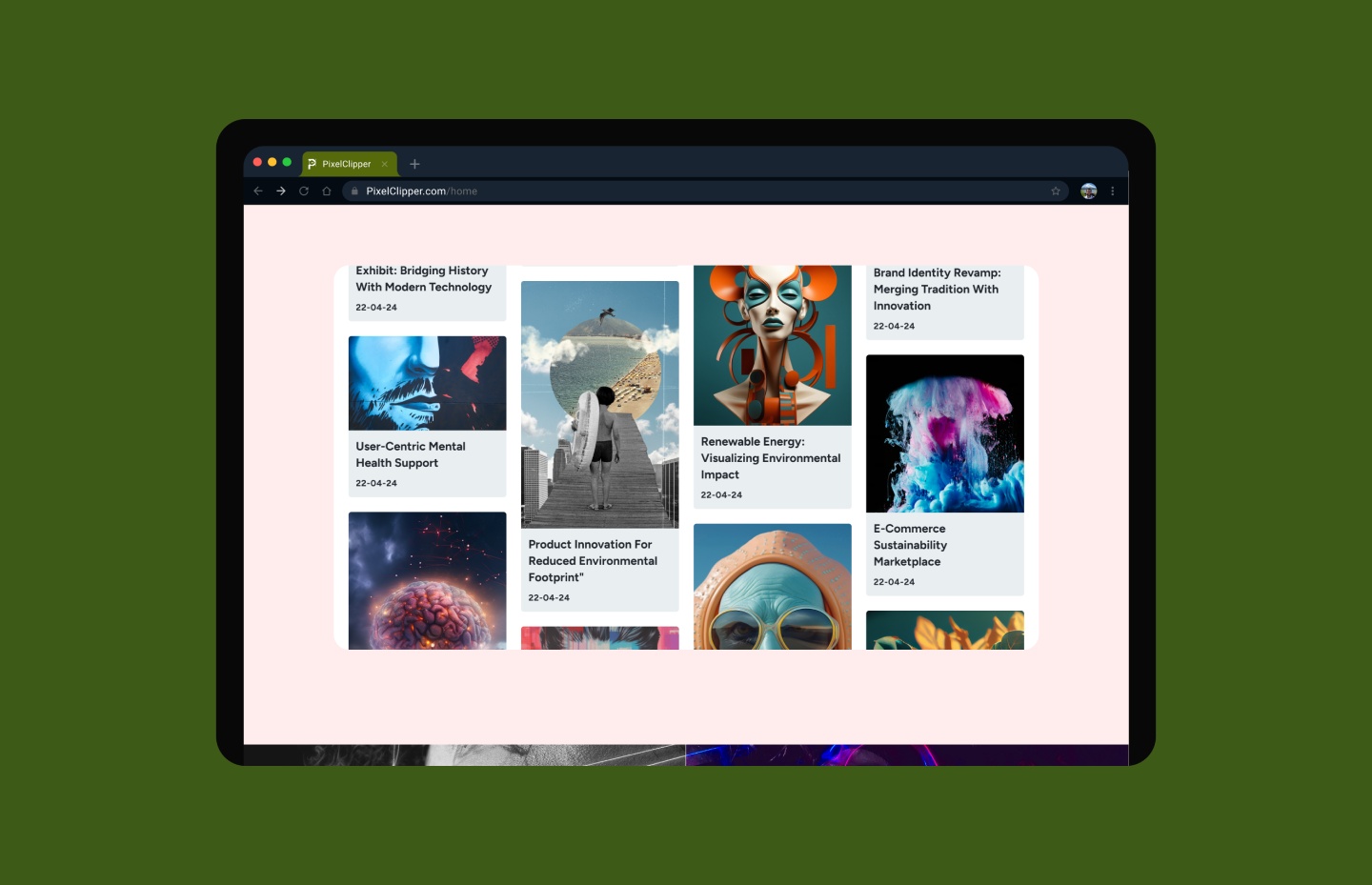
  • Tailored testimonial and proof sections
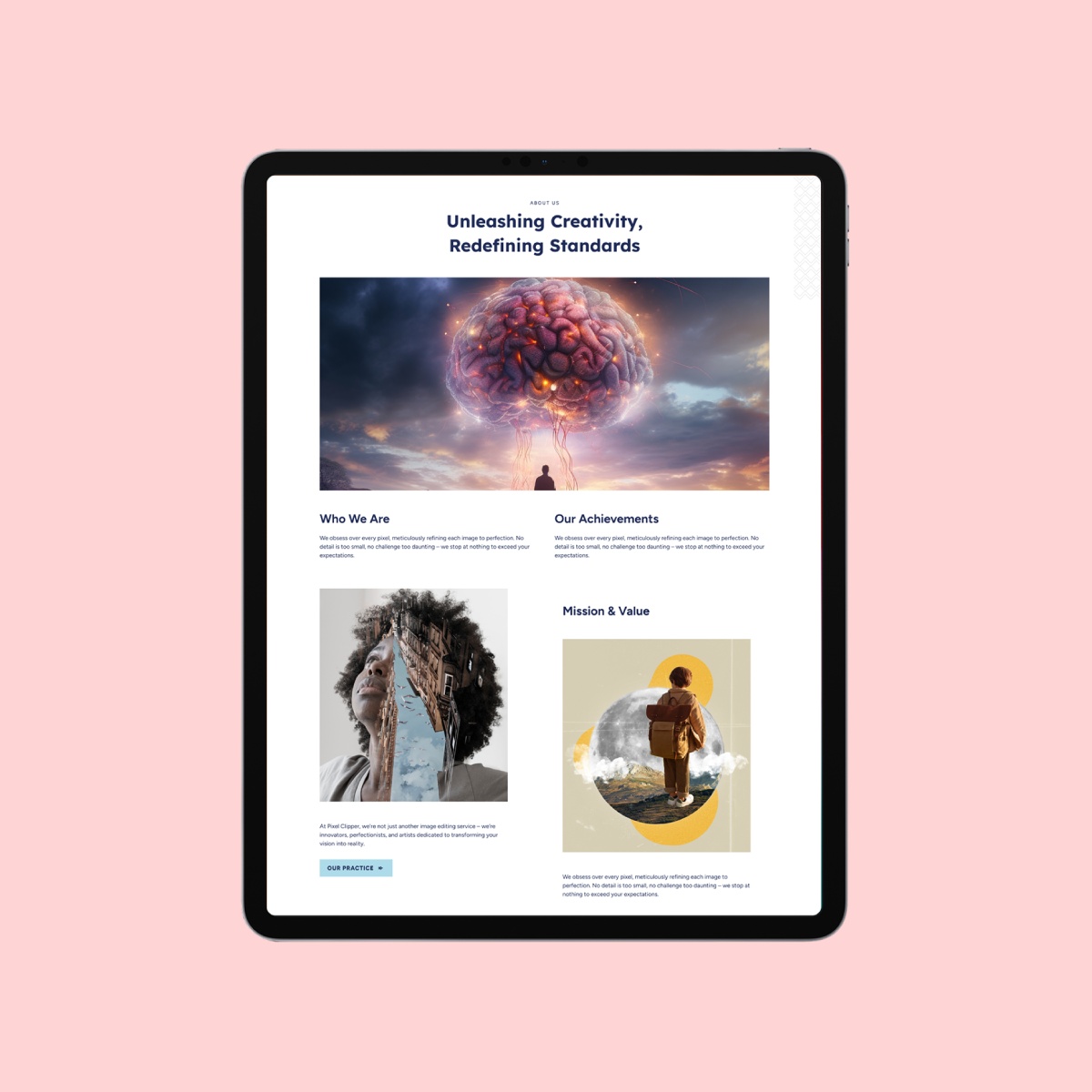
  • Modern typography and spacing that feel open and confident
  • Responsive layouts that adapt seamlessly to all screen sizes

Screens include desktop and mobile variants to ensure visual continuity.

what the client said about the project

Get in touch